01
Visual image selection
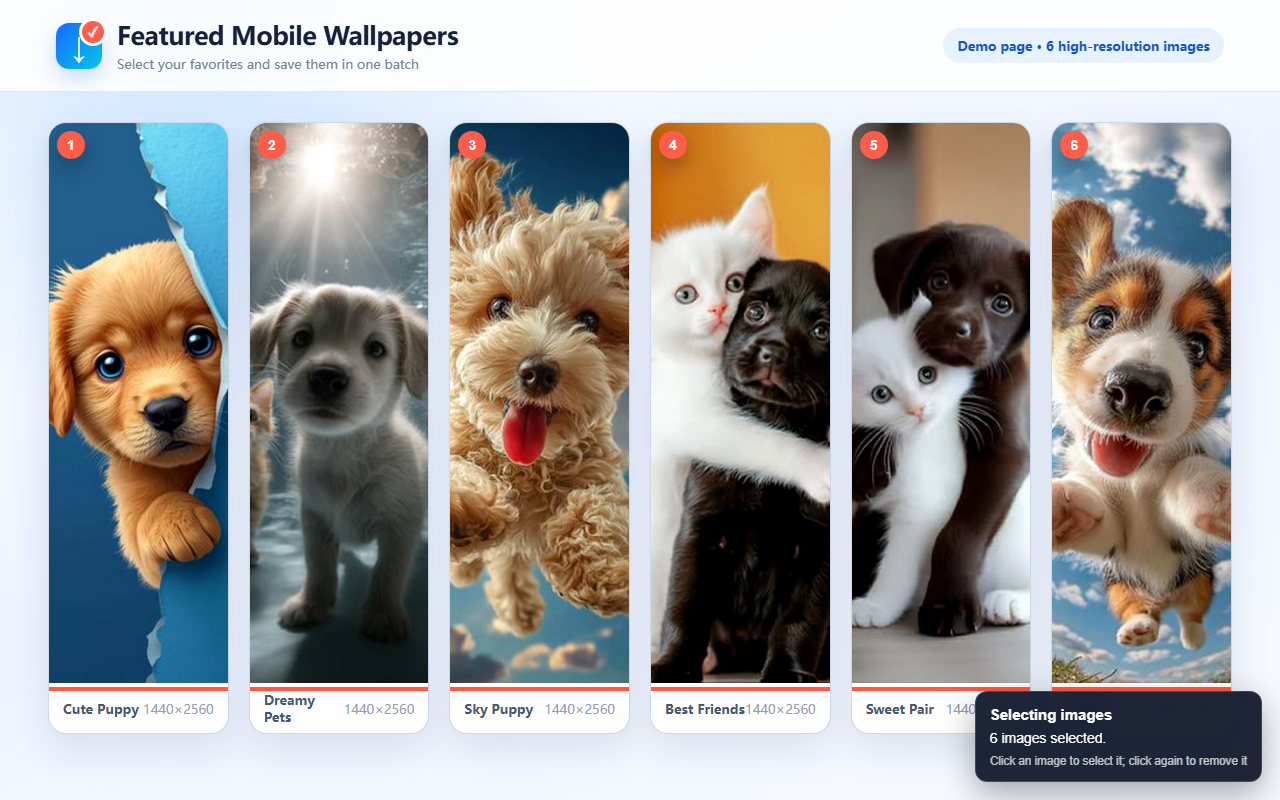
Start selection mode and click images directly on the page. Selected images are clearly marked.
Fast · Private · Easy to use
A lightweight Chrome extension for visually selecting webpage images, finding higher-resolution sources, and downloading your selection individually or in one ZIP file.
No account · No image uploads · ZIP packaging runs locally in your browser
Core features
Select everything first, remove anything you do not need, and download only the final set.
Start selection mode and click images directly on the page. Selected images are clearly marked.
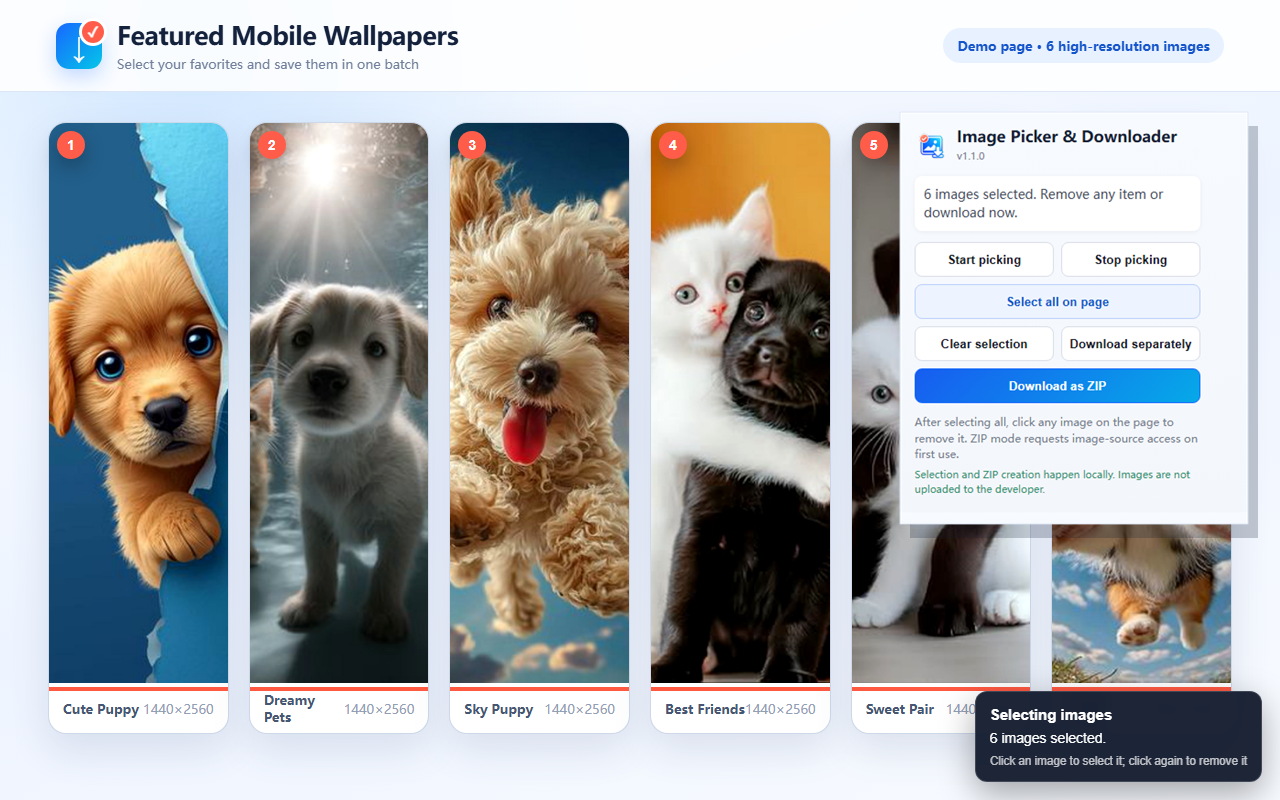
Select all detected images on the current page, then click individual images to remove them from the selection.
The extension checks common webpage sources and image attributes for a higher-resolution version when available.
Package selected images into a single ZIP file to avoid repeated save prompts and keep downloads organized.
Prefer separate files? Download each selected image through Chrome's standard download system.
Selection and ZIP creation happen on your device. Selected images are not uploaded to a developer server.
Quick start
The whole workflow takes only a few clicks. The exact image quality available still depends on the source website.
Visit the page containing the images you want to save.
Click the extension icon in Chrome, then choose Start Selecting.
Click images on the page, or use Select All on This Page. Click an unwanted selected image to remove it.
Open the extension again and choose Download Individually or Download as ZIP.
Chrome may ask for website access the first time ZIP mode reads selected images. The permission is used only for that user-requested operation.
Privacy by design
The extension does not require an account and does not send selected images, browsing history, or download records to the developer. The browser connects directly to the website hosting each image, and ZIP packaging runs locally.
Read the full privacy policy →FAQ
It works on many standard webpages. Some websites restrict image access, use protected content, load images through special technologies, or require authentication, so results can vary.
The extension prefers a higher-resolution source when the page exposes one. It cannot create resolution that the source website does not provide.
Chrome requires permission before the extension can retrieve selected image files and package them locally. Individual download mode does not require this optional website access.
The extension only provides a download tool. You are responsible for ensuring that you have permission to download, reuse, or distribute each image.
Email dongweishang50@gmail.com and include the webpage address, Chrome version, and a screenshot of the issue.
Legal
Last updated: September 17, 2026
Summary: Image selection, filename creation, and ZIP packaging happen locally in the user's browser and device. Nothing is uploaded to the developer's servers.
The extension processes image URLs, image titles or alternative text, image dimensions, and the current website domain only when the user actively invokes its image-selection and download features. This information is used only to show selection state, create filenames, prefer higher-resolution image sources, and complete downloads.
The developer does not receive, store, sell, rent, or share selected images, webpage addresses, browsing history, or download records.
activeTab temporarily accesses the active page after a user action. scripting starts the image picker after the user requests it. downloads saves requested images or ZIP files. offscreen creates ZIP files locally. Optional website access is requested only when the user chooses ZIP mode and is used solely to retrieve images explicitly selected by that user.
The extension does not transfer user data to the developer, analytics providers, advertisers, marketers, or data brokers. When an image is downloaded, the browser connects directly to the website or content delivery network that hosts it.
No data is retained on developer servers. The current page's selection state disappears when the page is refreshed or closed. Users control and may delete downloaded files at any time.
Use of information received from Chrome APIs adheres to the Chrome Web Store User Data Policy, including the Limited Use requirements, and is limited to providing and improving user-facing image-selection and download features.
Developer support email: dongweishang50@gmail.com